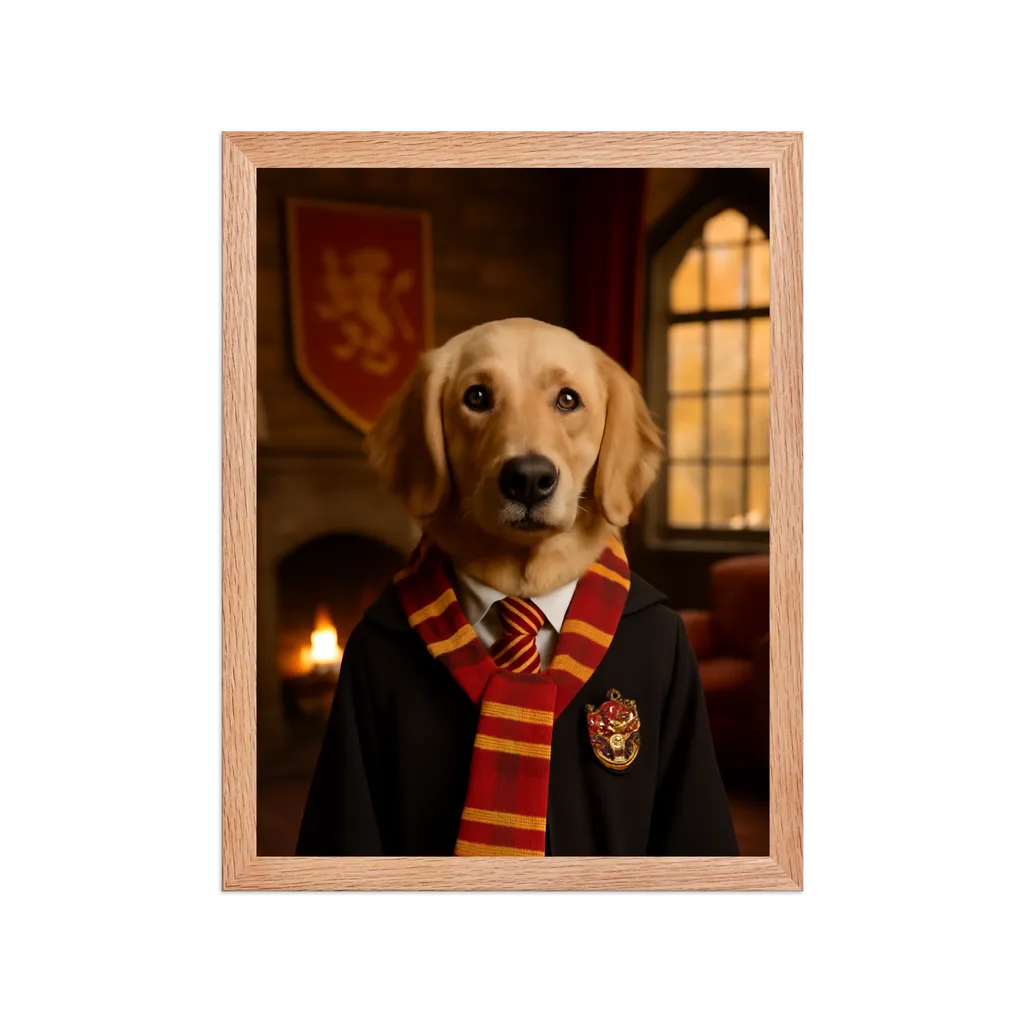
Dog vs Cat Photo Tips: A 10-Minute Routine for Better Pet Portraits
A simple 10-minute photo routine for dogs and cats that helps you capture cleaner, sharper source images for custom pet portraits.

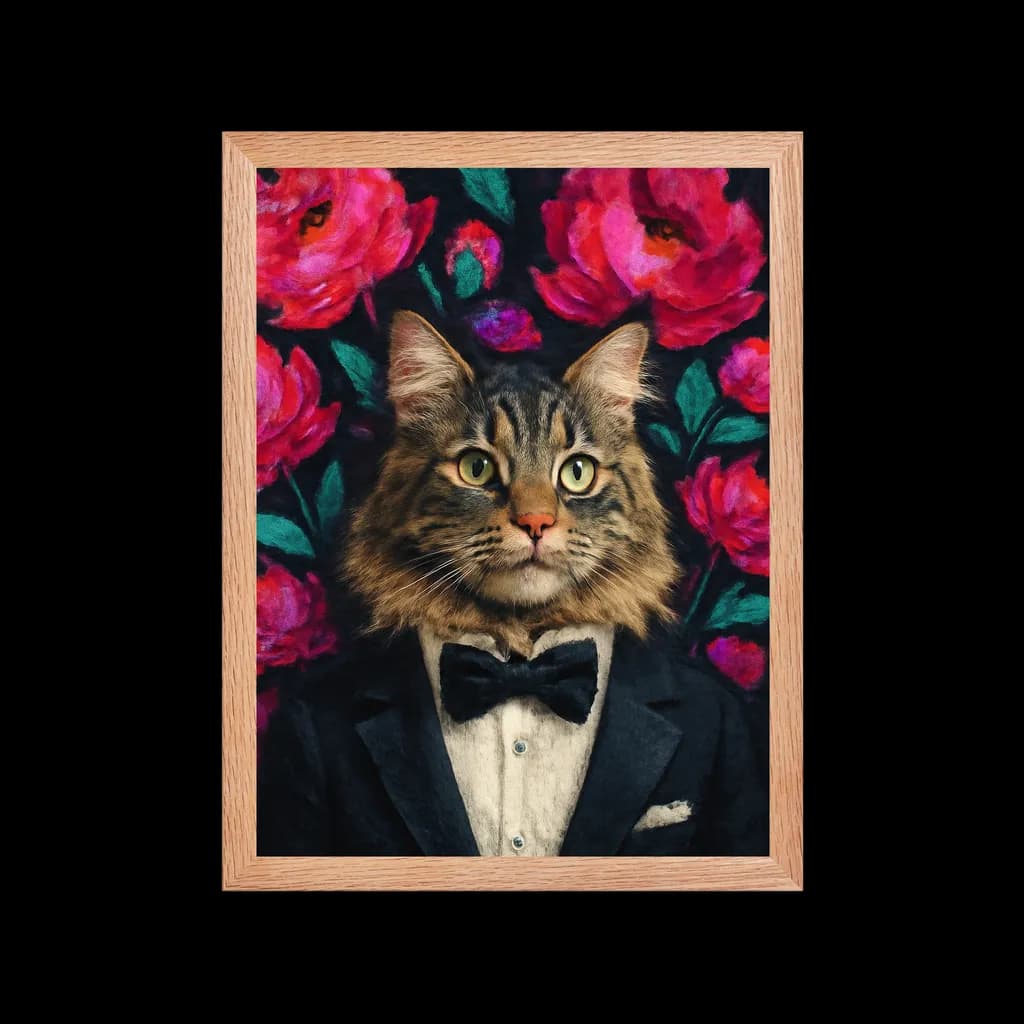
Dogs and cats move differently, focus differently, and react to cameras differently. Using the same photo technique for both usually results in blurred shots or missing the perfect expression. This guide gives you a separate 10-minute routine for each species so you walk away with at least one sharp, portrait-ready image every time.
Why Dogs and Cats Need Different Approaches
Dogs respond to energy, voice, and movement. They tend to look at you when you speak, which makes directing their gaze easier. But they also fidget, pant, and tilt their heads unpredictably. The challenge with dogs is getting them to hold still long enough for a clean shot.
Cats are the opposite. They ignore commands, move on their own schedule, and often look away the moment you raise a phone. But when they do settle, they hold poses naturally for longer stretches. The challenge with cats is triggering the right moment, then staying invisible while it lasts.
Understanding this difference is the foundation. Everything below builds on it.
The 10-Minute Dog Photo Routine
Minutes 1-3: Burn Off Energy
A short walk or play session first makes an enormous difference. Dogs that have just burned off their initial excitement hold steadier eye contact and produce fewer motion-blurred images. You do not need a full exercise session. Five minutes of fetch or a quick loop around the yard is enough to bring their energy down to a manageable level.
Pro tip: If your dog gets excited by the camera itself, keep the phone at your side for the first two minutes. Let them sniff it, lose interest, then start shooting casually.
Minutes 4-6: Find Side Light
Light is the single biggest factor in photo quality. Stand near a window or in open shade outdoors. Side light at a 45-degree angle creates natural shadows that give depth to your dog's face, preserves coat color, and produces catchlights in the eyes. Avoid direct overhead sun, which creates harsh shadows under the brow and washes out lighter coats.
Indoor setup: Place your dog 2-3 feet from a window. Stand between the window and the dog at an angle so the light hits one side of their face. This produces professional-quality lighting with zero equipment.
Outdoor setup: Shoot in open shade (under a tree canopy, next to a building). Avoid direct midday sun. Early morning and late afternoon offer the warmest, softest light.
Minutes 7-10: Shoot at Eye Level in Short Bursts
Get low. The number one mistake in dog photography is shooting from human standing height, which creates an unflattering downward angle and makes the dog look small. Kneel, sit, or even lie on the ground to match their eye level. Frame around head and chest, and shoot 3-5 photo bursts at a time. Short bursts give you multiple options within a single expression window.
Focus lock: Tap your dog's eyes on your phone screen to lock focus there. Eyes are the anchor of any portrait. If the nose is sharp but the eyes are soft, the photo will not translate well to artwork.
The 10-Minute Cat Photo Routine
Minutes 1-3: Let the Cat Choose the Spot
Never move a cat to your preferred location. Cats hold better poses where they already feel safe and comfortable: window perches, sofa corners, favorite blankets, or sunny patches on the floor. Go to them, not the other way around. If you rearrange the environment, you lose the relaxed body language that makes cat photos special.
Observation first: Watch where your cat settles naturally during different times of day. Most cats have 2-3 preferred resting spots with good natural light. Note these locations and come back when the light is right.
Minutes 4-6: Use Quiet Cues
Skip loud squeaky toys. They startle most cats and create wide-eyed alarm rather than engaged curiosity. Instead, use subtle sounds: a gentle finger snap, crinkling tissue paper, or a treat held just above the lens. The goal is that alert, forward-looking expression with ears perked, not the startled look with dilated pupils.
The treat-on-lens trick: Hold a small treat directly above or beside your phone camera. Your cat will look straight at the lens while tracking the treat, creating perfect eye contact in the photo. Remove the treat between shots so they do not lunge toward the camera.
Minutes 7-10: Prioritize One Perfect Frame
With cats, quality beats volume every time. Wait for a still moment where whiskers, nose line, and eye shape are all clearly visible. Avoid the temptation to chase the cat around the room shooting dozens of photos. One composed shot with sharp eyes and relaxed posture is worth more than fifty blurred action shots.
The slow blink test: If your cat is giving you slow blinks, they are relaxed and comfortable. This is the ideal emotional state for portrait photography. Return the slow blink to maintain the calm connection.
Lighting Conditions Quick Reference
| Light Source | Best For | Watch Out For | Rating |
|---|---|---|---|
| Window light (overcast day) | All coat colors, both species | Harsh shadows if sun is direct | Excellent |
| Open shade outdoors | Dogs during walks, outdoor cats | Background may be overexposed | Excellent |
| Golden hour (sunrise/sunset) | Warm-toned portraits, golden coats | Short window, moves fast | Great |
| Overcast sky | Even lighting without shadows | Can look flat on dark coats | Good |
| Direct midday sun | Avoid if possible | Squinting, harsh shadows, washed colors | Poor |
| Indoor overhead lighting | Last resort only | Yellow cast, unflattering shadows | Poor |
Universal Photo Checklist Before You Upload
- Eyes are sharp and in focus: Zoom in to 100% and check. If the eyes are soft, the portrait loses personality no matter what style you choose.
- Face is not cropped: Keep ears, chin, and whiskers fully visible. Cropped features force the system to guess what is missing.
- No heavy social filters: Instagram filters, Snapchat effects, and beauty modes flatten fur texture and alter colors. Use the original unedited photo.
- Resolution is high enough: Photos from the last 5 years of smartphones are fine. Avoid heavily compressed images from messaging apps like WhatsApp, which reduce quality significantly.
- Background is not distracting: Simple, uncluttered backgrounds help the system focus on your pet. A busy background is not a dealbreaker, but cleaner is better.
- Pet is facing the camera: Three-quarter and full-face angles work best. Profile shots can work for certain styles, but front-facing gives the most options.
Common Mistakes That Ruin Good Photos
- Flash photography: Creates red-eye (or green-eye in pets), flattens depth, and scares most animals. Turn flash off permanently for pet photography.
- Zooming in digitally: Digital zoom degrades quality. Move your body closer instead of pinching to zoom on your phone.
- Shooting through glass: Window reflections and screen doors add a hazy layer. If your cat is in a window, shoot from inside, not outside.
- Too many props: Hats, glasses, and costumes often obscure the facial features that make a portrait feel personal. Save props for fun social media posts, not portrait source photos.
- Waiting for the "perfect" moment: You need a good photo, not a perfect one. Three decent options are better than spending an hour chasing one ideal shot.
From Photo to Portrait: How Quality Connects
Most quality issues that customers attribute to portrait style are actually source-photo problems. A strong source image improves likeness, detail, and emotional accuracy across every artistic style. When the system starts with a clear, well-lit photo that captures your pet's real expression, the result feels like your pet regardless of whether you choose a Van Gogh swirl or a Mona Lisa classical look.
"The Starry Night portrait of my husky is absolutely stunning. Everyone who visits asks where I got it. Already ordering one for my parents." — Emily R., Toronto
Once you have that clear, expressive photo, turning it into something permanent takes minutes. Upload your best shot and preview it across different artistic styles to find the one that matches both your pet's personality and your room's aesthetic.
Quick Start: Your First Session
- Pick the dog or cat routine above and set a 10-minute timer
- Take 15-20 photos during the session (not 100)
- Review and pick your top 3, zooming in on eye detail for each
- Upload the best one to PawSnap and preview two different styles
- Compare the previews and choose the one that feels most like your pet
Frequently Asked Questions
Can I use a photo from my phone's gallery instead of taking a new one?
Absolutely. Any existing photo works as long as it meets the checklist above: sharp eyes, no heavy filters, face not cropped. Many of the best portraits come from candid shots owners already had on their camera roll.
What if my pet will not sit still at all?
Use burst mode (hold down the shutter button) and shoot during transitions. The moment between activities, such as right after a yawn, right before standing up, or mid-head-tilt, often produces the most characterful expressions.
Does the background matter for the final portrait?
The system replaces the background during portrait generation, so a messy background will not appear in the final art. However, a cleaner background helps the system isolate your pet's features more accurately, which improves overall quality.
Is there a minimum photo resolution?
Any modern smartphone photo (taken within the last 5 years) has sufficient resolution. The main thing to avoid is heavily compressed images. If you are pulling a photo from a text message thread, it may have been compressed. Use the original from your camera roll instead.
Should I take photos in portrait or landscape orientation?
Portrait orientation (vertical) works best for most pet portraits since it naturally frames the head and chest area. Landscape can work for full-body shots, but for portrait art, vertical framing gives the system more detail to work with in the face area.
Create Your Own Mona Lisa Portrait
Transform your pet into a stunning work of art with our custom portrait generator.
Explore This Style